roblox script executor for windows
Syro runs Luau scripts in the Roblox player, with the editor from VS Code, a ScriptBlox browser and one script in several clients at once.
Compatibility
- 86/86
- sUNC functions implemented
- 140/140
- Myriad standards passed
- 172
- functions in the API reference
Measured on Roblox 741 on 1 October 2026. sUNC 2.1.5 itself scores 83 of 86: three of its checks reject the bytecode version the current Roblox client uses.
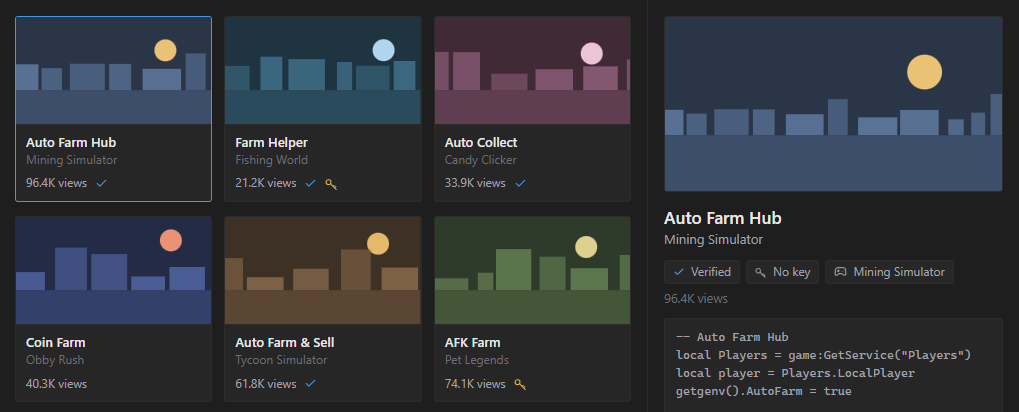
Script Hub
Search ScriptBlox without leaving Syro. Sort by latest or most viewed, and filter to verified scripts or ones that need no key.
Pick a result to read its code before you run it, then execute it straight away or open it in a tab to change it.
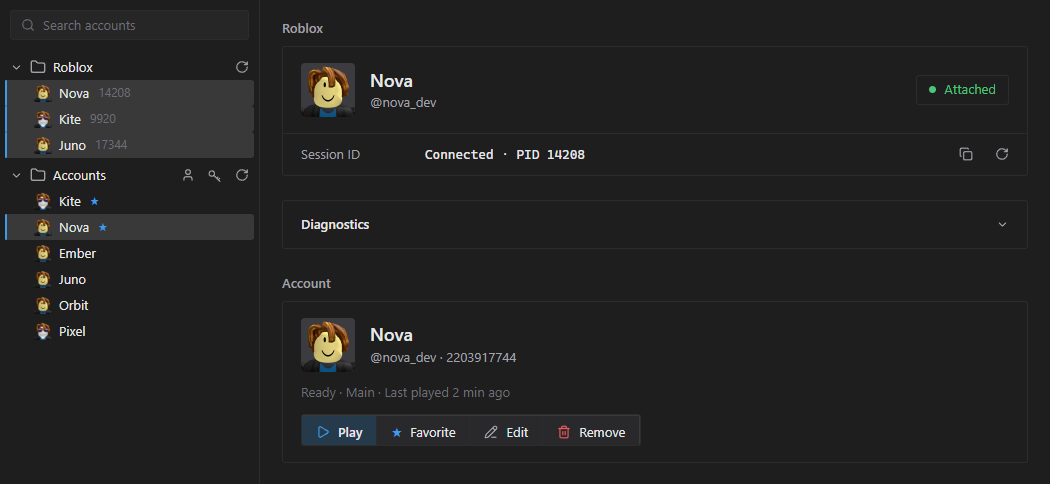
Multi-instance
Syro lists every open Roblox window. Attach to several and a script runs in all of them, or Ctrl+click to pick only the ones you want.
Accounts live on the same page: import them by cookie or by logging in, and launch a game with the one you pick.
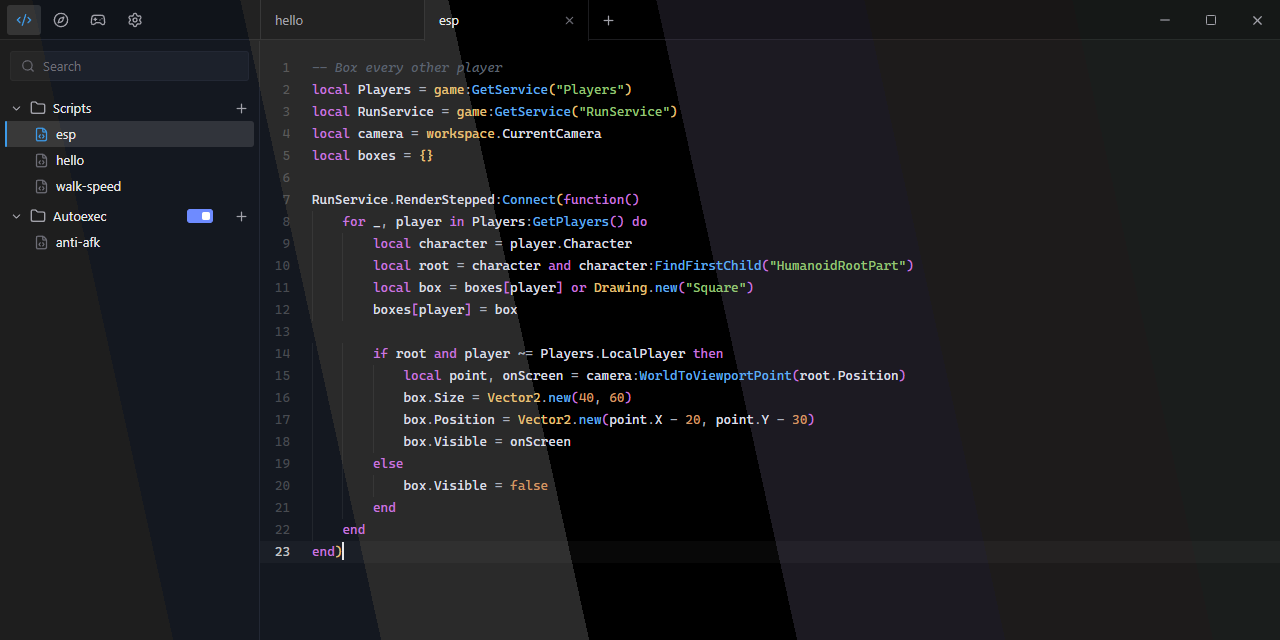
Seven themes
Syro, Midnight, Graphite, Amethyst, Crimson, Emerald and a true Black. Each one colours the window and the editor together.
Also in Syro
Monaco editor
The editor from VS Code, set up for Luau. F5 runs the open script.
Tab recovery
Tabs and unsaved edits are saved every 2 seconds, so a crash loses nothing.
Console redirect
See Roblox’s output in Syro instead of the F9 console. Turn it on in Settings.
Autoexec
Everything in the Autoexec folder runs when you join a game, and again after a teleport.
Account manager
Keep your accounts in Syro and launch Roblox with any of them.
Automatic updates
New versions download in the background and install when you close Syro.
Every function is documented
A signature, what it returns and, for most, an example you can copy.
Find the remote the shop uses when you buy something.
search-instancesReplicatedStorage, name “Shop”4 resultsscript-grep“FireServer” in ShopController2 matchesget-script-contentShopController, lines 46 to 494 linesremote-spylist, BuyItem3 calls
The shop fires Remotes.BuyItem with (itemId, amount) from ShopController, line 48.
Works with AI agents
Syro can connect the game you are attached to with an MCP server. Claude Code, Codex or any other MCP client can then search instances, read scripts, watch remotes and run code there.
Connect it from Settings, Advanced.
Download Syro
No admin rights needed.
Download for Windows- Run
SyroBootstrapper.exe. It installs Syro in%LOCALAPPDATA%\Programs\Syroand opens it. - Join a game in Roblox, then click Attach in Syro.
- Press F5 to run the open script.
If SmartScreen blocks it, click More info, then Run anyway. Syro needs the WebView2 runtime, which Windows 10 and 11 already have.